Introduction
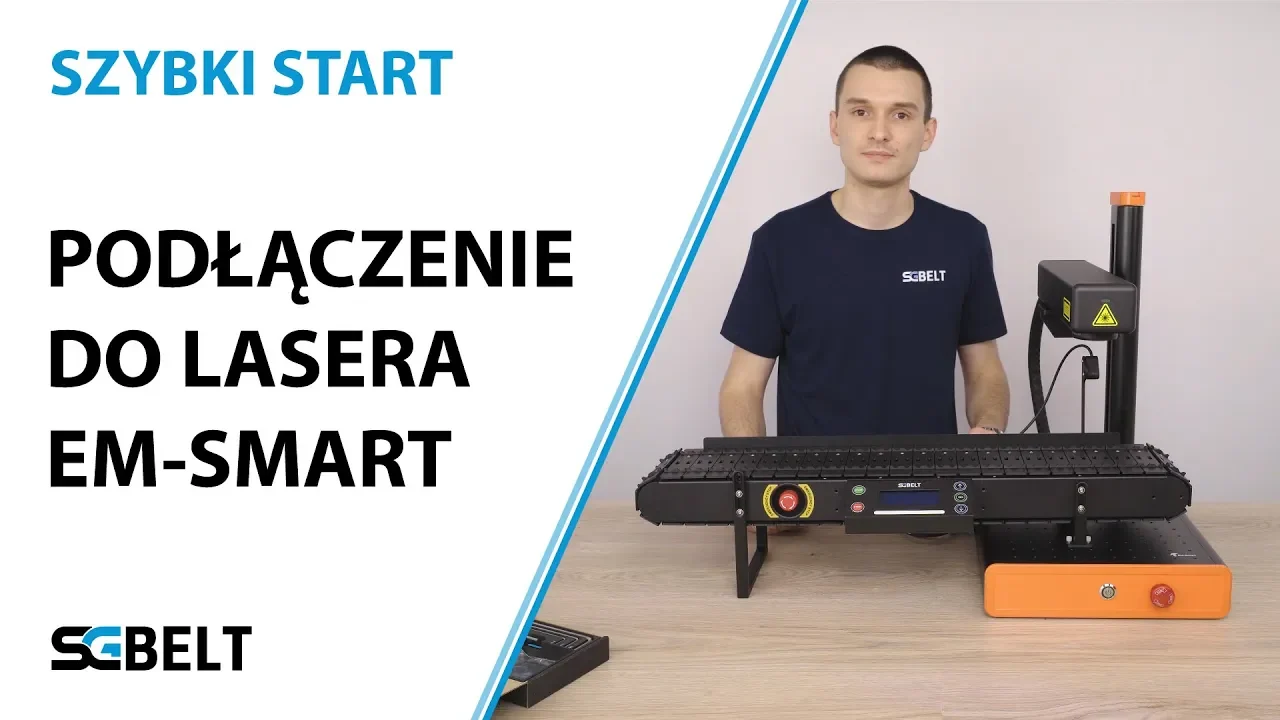
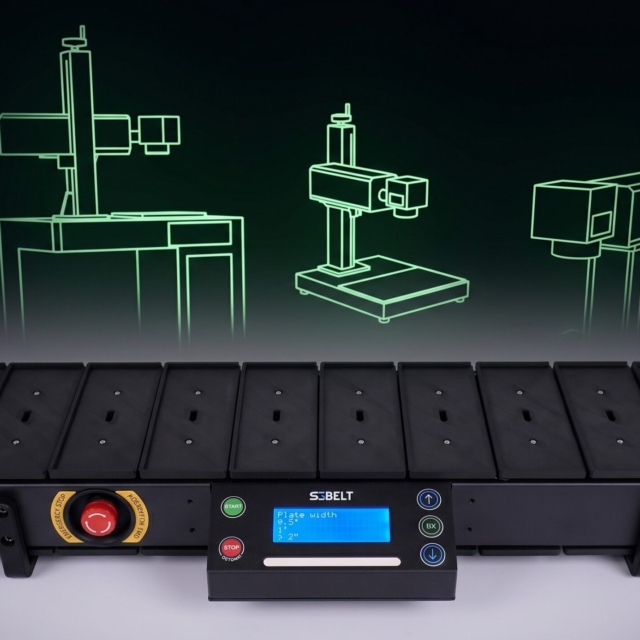
I would like to show you one of the options for attaching the SGBELT to compact lasers, in this case the EM-Smart Basic device. The long leg included in the set allows the conveyor to be attached to machines with a worktop height between XX and XX mm. This allows the conveyor to be attached to many types of compact machines. If your laser has a higher base, you can buy the longer leg separately. Today, more and more laser devices, especially in compact versions, have the head that is positioned low. Our conveyor does not need require much space and thanks to its low profile, you can fit it into your device.
Attaching the SGbelt feeder to the EM-Smart laser
Since we already have the socket sensor laser pointer attached, the easiest way to change the legs is to turn the conveyor to the front position. To do so, start with unscrewing four M4 screws on the back of the conveyor with a 2.5 mm Allen key. Then turn the conveyor and remove the left and then the right front leg, immediately replacing them with selected leg by screwing them in without overtightening. In the next step, we will level the conveyor in relation to the laser head. Then we will tighten them completely.
To attach the conveyor to the laser, we will use the M4 mount, the short clamping leg on the laser side and the long leg that will support the conveyor horizontally during operation. We will fix the mount to the working table of the machine with the help of M4 x 6 mm nylon screws, which are a part of the set.
In the case of EM-Smart lasers of the BASIC, SUPER and MOPA series, it is best to fix the mount leaving three rows of holes visible on the laser plate on the left side. First attach the mount leaving screws not tightened as we will adjust its exact position in the next step.
USB to PS2 cable
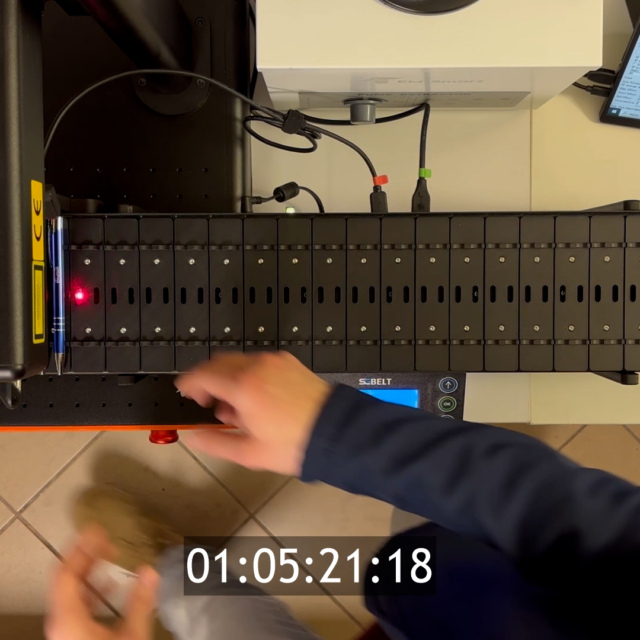
Included with the conveyor is a USB-A to PS2 cable used to trigger the laser beam. This cable acts as a foot pedal, controlling the marking device and the conveyor. You can now plug the cable into the green conveyor port and the foot pedal port on the laser.
If your laser has a different port on the foot pedal, the cable may be refitted. This will allow you to match it to any laser foot pedal plug. The trigger signal itself is sent by the closure of the circuit by the conveyor relay.
The conveyor prepared in this way described above is ready for the configuration of the starting position and levelling.