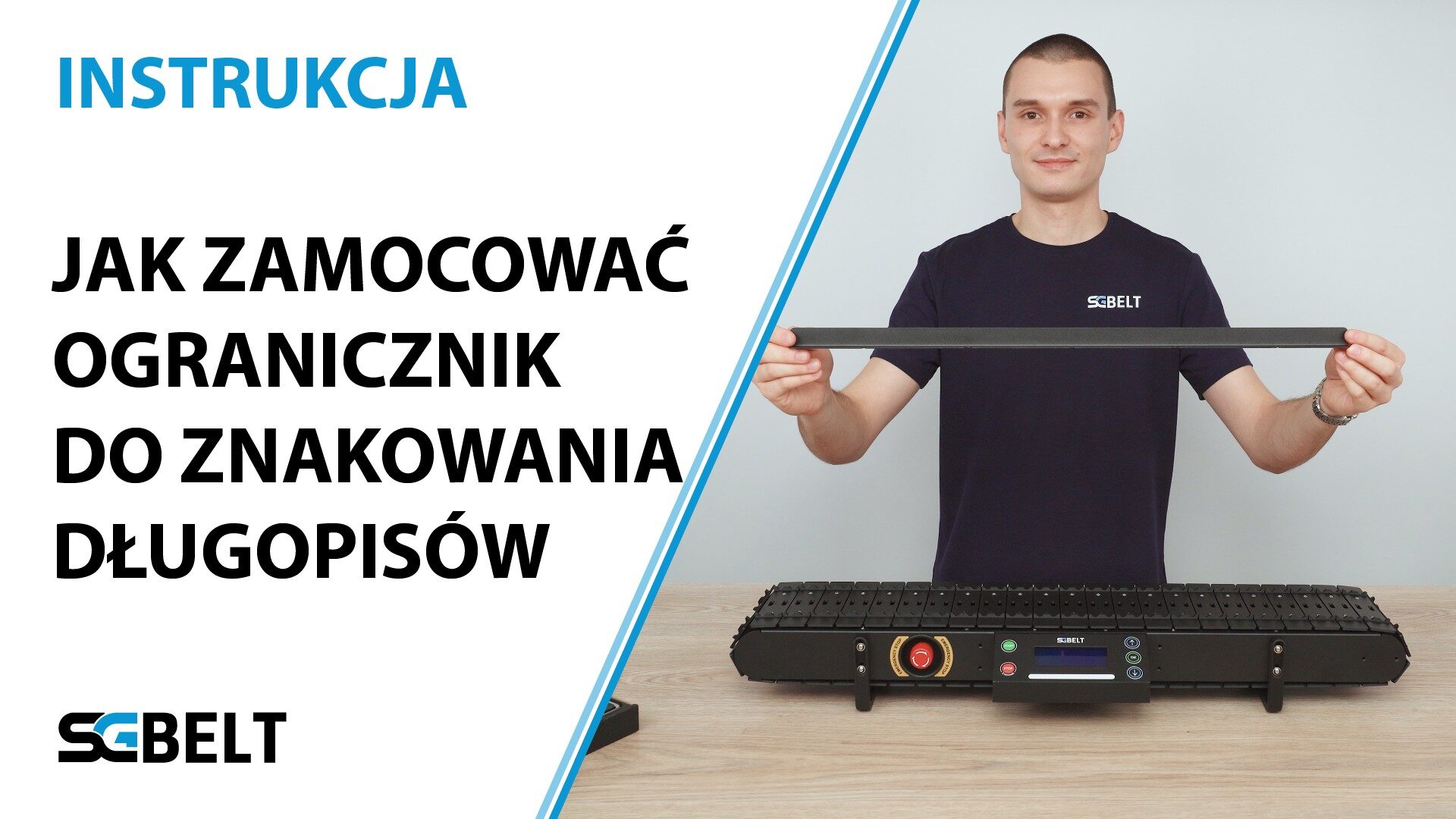
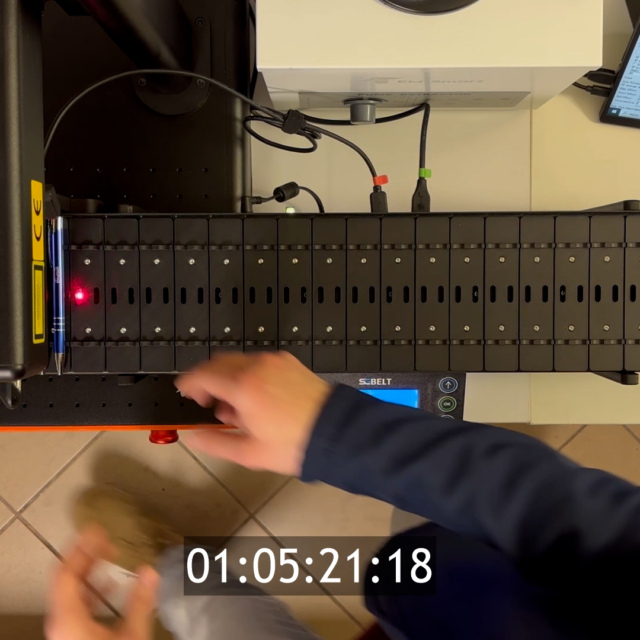
To begin, make sure the conveyor is turned off and unplugged. Looking towards the back of the conveyor, you can see where the mounting screws of the back panel are located. There are 5 of them. To attach the stopper, you need to remove the sockets above screws 1, 3 and 5. Remove two M3 x 6 mm screws each from the three corresponding slots. If the sockets are not positioned above the screws, you can gently move the conveyor sockets manually at this point. After unscrewing the three sockets, loosen the exposed screws by 4 turns using the same 2 mm Allen key. This will allow you to slide the stopper in from the back of the conveyor. Tighten in the screws that were previously removed to secure the stopper to the conveyor housing. Do not overtighten them. Now you can reattach the slots to the conveyor. Using the same 9 screws, attach the sockets to the mounting beams. If a mount is offset relative to its marker on the strap, gently lift the strap and move the mount so that it is in the centre of the marked location.