How to change the sockets in the SGBELT 75
Changing the sockets in the SGBELT device is very simple. You can choose from four types of sockets.
Each one has different capabilities and is adapted to a different application. You can learn about all types of sockets in another video, the link to which you can find in the description of this one.
Each socket is fixed with two M3 x 6 mm Allen screws. In the case of the W15 and W30 sets, the conveyor is equipped with a total of 50 sockets. The W60 kits are twice as wide, so the total number of sockets mounted on the conveyor is 25.
How do I replace a socket in the conveyor? All you need to do is remove two M3 Allen screws at the top of the socket. After removing the socket, insert a new one and attach them with screw to the mountings which should be aligned with the markings on the belts.
If you are changing from W15 or W30 to W60 slots, remove every other mounting by lifting the conveyor belt slightly and pulling the mounting out. At this point, it is important to make sure that the other mounting beams are not moved. Each of the beams should be located in the middle of the marker printed on the belts. If the belt is in the middle, all you have to do is mount the new socket to the fixing belt with the same screws that were used before.
Place the unused beams in the accessory box. The entire set of removed beams will fit in the box, allowing you to use them when replacing wider plates with narrower versions.
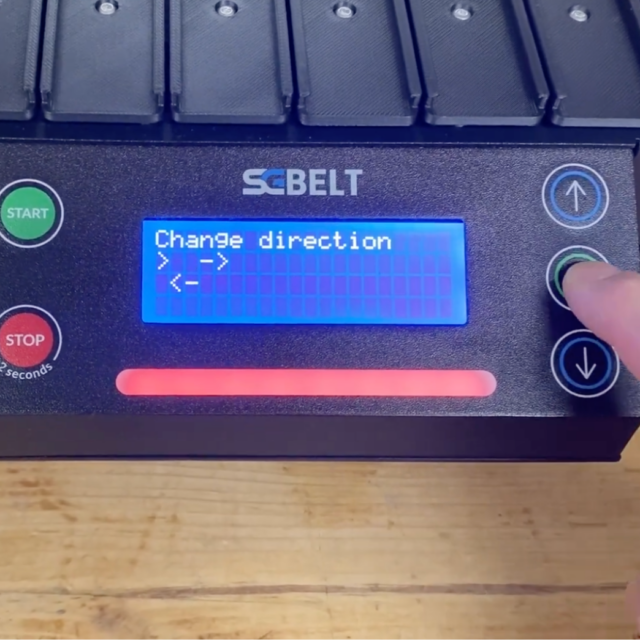
After changing the sockets in the conveyor, you must remember to make corresponding change in the conveyor controller as well. On the box with the socket set, you will find the designation W15, W30 or W60. Select the appropriate one for the currently mounted set in the conveyor menu. Go to Settings -> Plate Width -> Select the appropriate version and confirm with the OK button.
Once all the plates have been replaced and the correct plate width has been selected in the controller, the conveyor is ready to work with the new set of sockets. If you are using the built-in socket sensor, perform an Auto Centering of the socket and the conveyor will position the socket in the centre of the built-in sensor. Go to Settings -> Auto Center and confirm.
You have to remember that the auto-centering function only works with the built-in sensor. If you use a magnetic gate as an external object sensor, this function will not centre the conveyor socket correctly.
You might also be interested in this...


