How to Connect the Magnetic Gate to the SGBELT conveyor?
Connecting the magnetic gate to SGBELT is very simple.
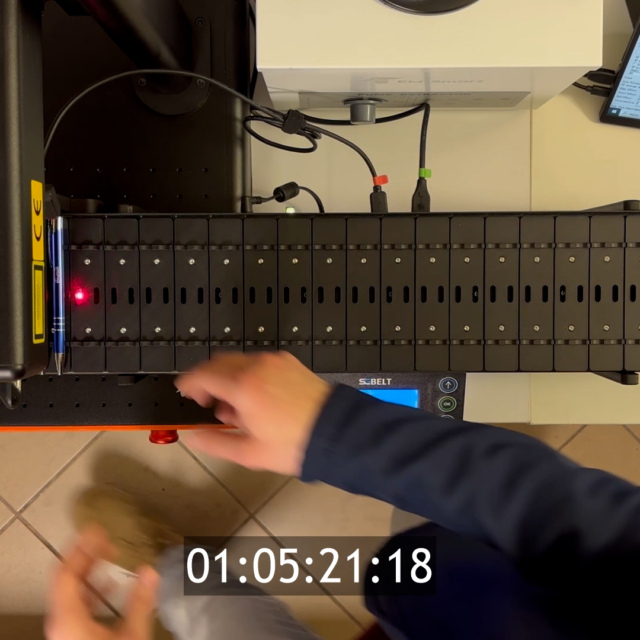
The set includes a laser pointer, which is marked with a red sticker on the cable, and a sensor, marked with a blue sticker. The colours of the markings on the cables correspond to the colours of the ports on the back of the conveyor. If you are using the built-in sensor, the laser pointer from the original kit will be connected to the port marked in red. To connect the magnetic gate, you need to detach the laser pointer. We recommend attaching the laser pointer to the front of the case and the sensor to the back wall. The laser indicator beam of the gate just needs to be set so that it is aimed at the hole in the sensor.
The laser light is meant to be interrupted when the product is correctly positioned in the conveyor slot. Interruption of the beam, as in the case of the sensor built into the conveyor, will trigger the laser beam for marking.
You also get several clips to attach the cables to the conveyor legs. This will protect them against accidental tangling on the conveyor sockets. This is a very important element, because if the cable is caught and the sensor or pointer is moved as a result, conveyor will start skipping all subsequent slots. A stable attachment of the cables is crucial for the safe use of the conveyor with an external sensor.

You might also be interested in this...