How to fit a laser cutting plate file to the Quick Slide socket
Fitting the interchangeable plates to the Quick Slide sockets is very simple.
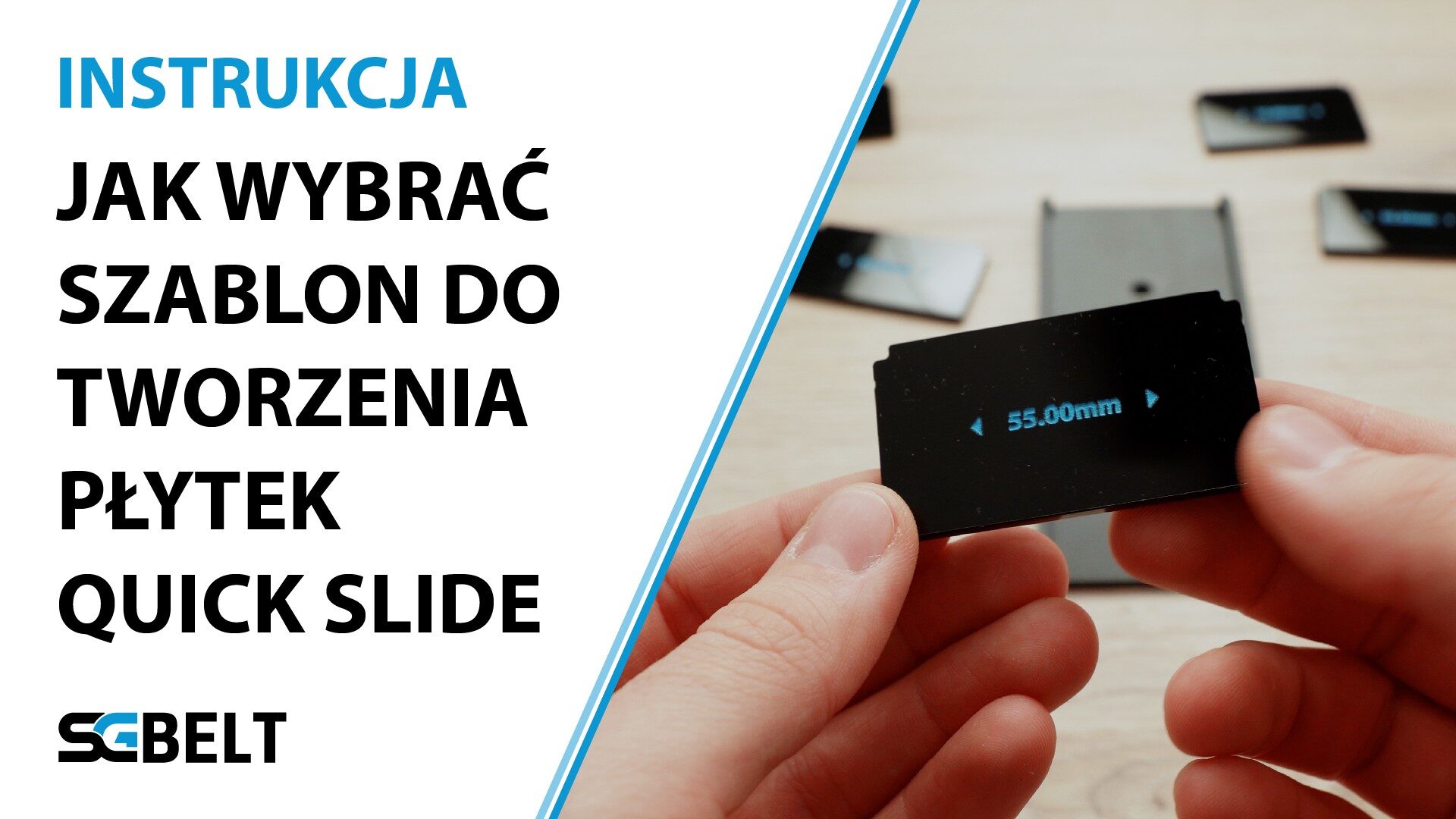
We have prepared a test file that will allow you easily check what width of the plate template should be used for cutting. Such a test allows you to check which width in the file matches the slot latches in the conveyor perfectly. Each laser plotter can be calibrated in a slightly different way. Minor differences may cause the sockets to fit too tightly, or not be held by the tabs inside the socket. Checking the fit before making the first set of plates is crucial to prepare the cutouts in the right template.
You can download the test file from our website. The link can be found in the description of this video.
Once you have downloaded the file with the set of six test plates, cut them on your laser plotter, you will later use to make a set of plates for the sockets. Each laser plotter, depending on the settings, the lens used or the accuracy of its configuration, will cause minimal differences in the dimensions of the test performed. In the file you will find 6 dimensional options to choose the appropriate fit width. When cutting them, write down the cutting parameters, as changing them later can also make a slight change in the fit of the tiles inside the slots.
After cutting the test plates, check them by sliding them into the conveyor slot. The width of the plate that locks when the plate reaches the end of the socket will be suitable for use as a template for a set of plates. The QuickSlide sockets have a delicate recessed tab that blocks the removable plate from moving. That’s why choosing the right width is so important. Plates that are too wide will be difficult to insert and remove from the socket, and those too narrow may not lock when reaching the end of the socket.
Once you have chosen the right width that fits best and allows locking locks into the socket, download correct template to design your new customizable plates. When designing, be sure to place the object in the middle so that it covers the sensor hole. This will allow the sensor to check for the presence of the product to be used with your plates.
Once you have designed the first cutout, cut out one piece. Then, check the fit with the Quick Slide socket as well as with your product. If the product and the plate fit well – cut out the remaining 24 or 49 plates and replace them in the conveyor by inserting new plates into all sockets.
Using this diagram, you can very easily adjust the appropriate size of the plate, and then, using a template, prepare a design, cut it and replace the plates to customize your conveyor.
You might also be interested in this...


